No bike. No rules. Just you.

Crazy Frog AI Video Generator

Turn one photo into a 14-second invisible motorcycle chase. Choose one of 16 backdrops or upload your own location, then generate a police pursuit with a backflip finish.

Make your Crazy Frog AI video

You bring the face. We bring the chaos.

1

Upload your photo

One person. Clear face. Full body works best.

No photo handy? Try one
2

Choose your getaway

THE GETAWAY, EXPLAINEDConcept preview
Your face goes here. The laws of physics don’t.
Concept preview00:14

A little nostalgia. A lot of chaos.

Your face goes here. The laws of physics don’t.

16:9
100:00 – 00:04

Catch some air

Grip the invisible handlebars.

200:04 – 00:10

Lose the cops

Make the getaway ridiculous.

300:10 – 00:14

Stick the flip

Go out with a backflip.

14 secondsMP4 download16:9 cinematic

Add the original Axel F sound on TikTok after downloading.

A FAMILIAR KIND OF RIDICULOUS

The original chase, reimagined with AI

Crazy Frog AI takes inspiration from the invisible motorcycle chase. Your photo guides the rider, your chosen background guides the setting, and police cars join the pursuit.

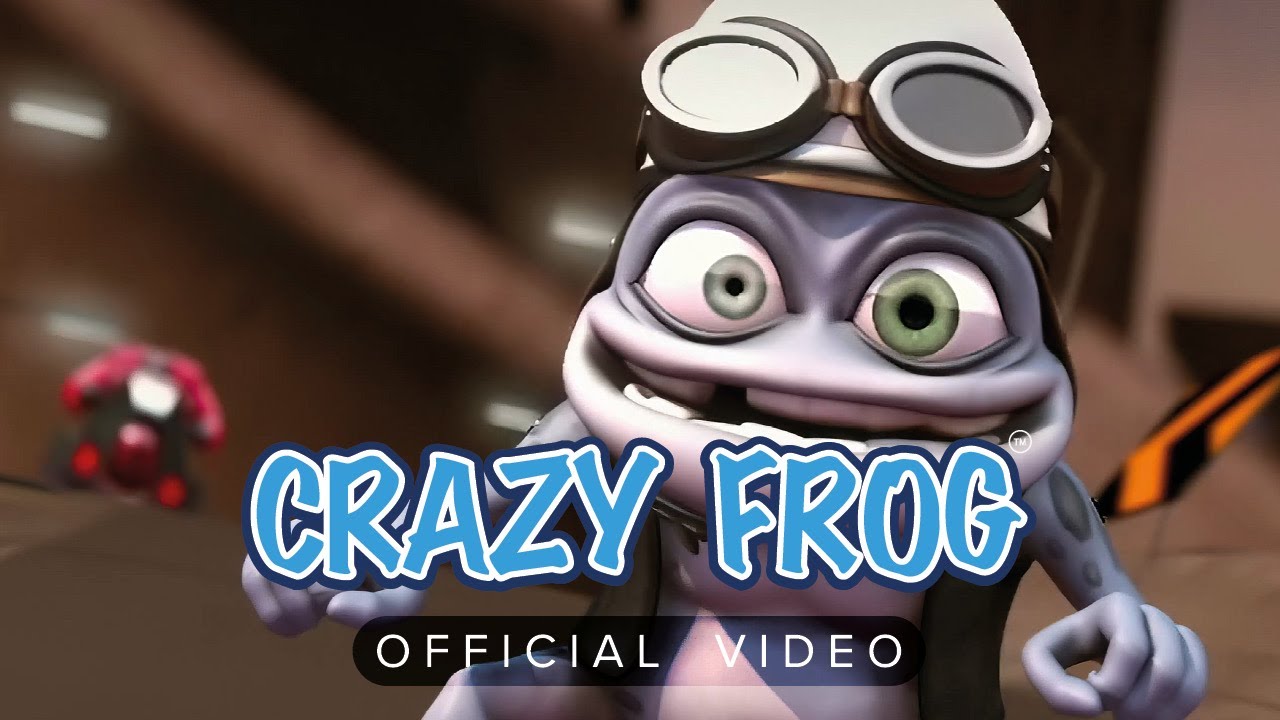
Crazy Frog · Axel F official music video

The 2005 original

Crazy Frog · Axel F official music video

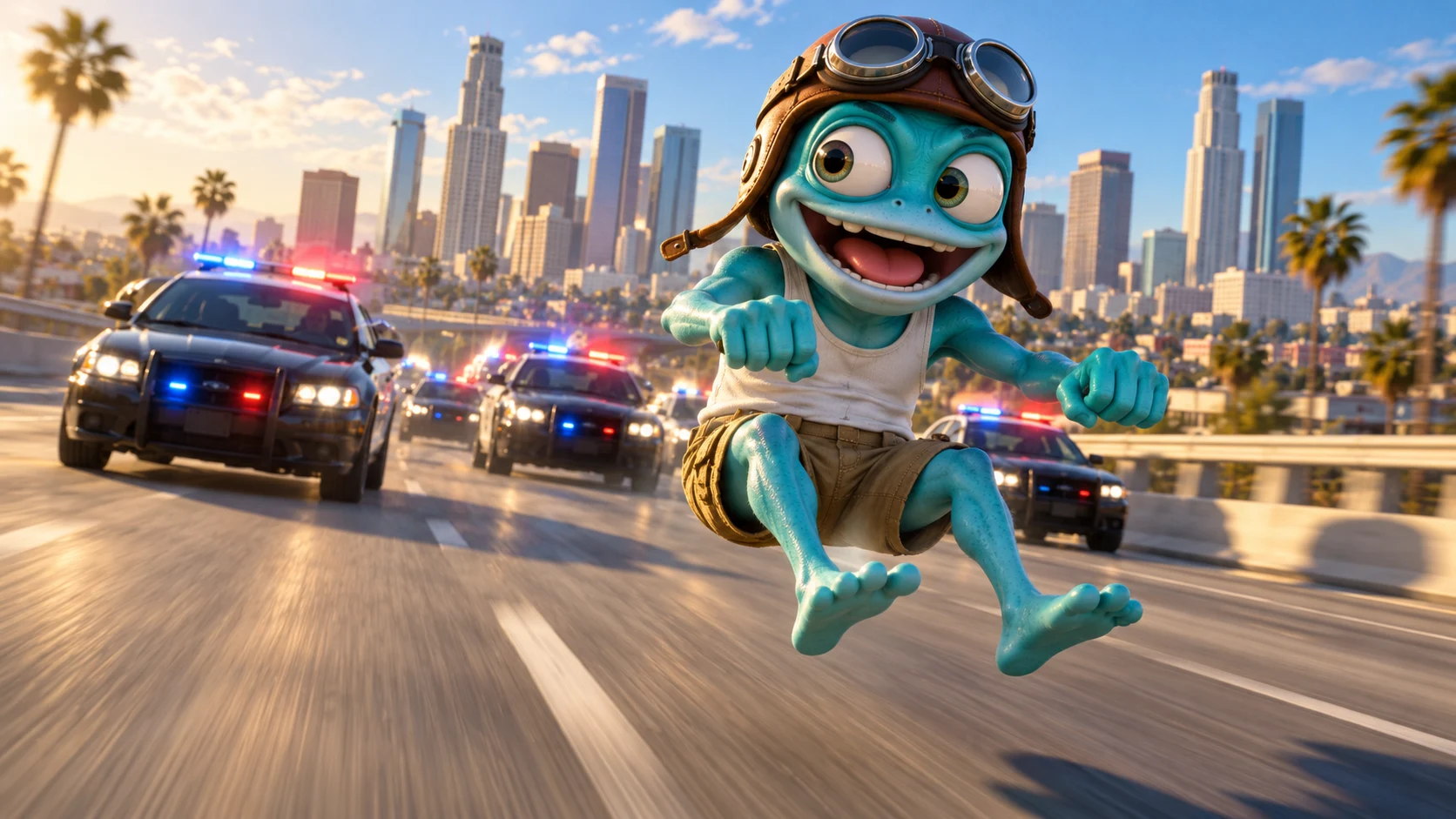
Concept illustration. Your video uses your photo.

The remake, reimagined

Concept illustration. Your video uses your photo.

THE SIGNATURE MOVES

  • The invisible motorcycle pose
  • A chase that keeps escalating
  • The acrobatic finish

THE REMIX

  • You’re the main character
  • Police cars join the pursuit
  • A fresh 14-second story, in your setting

Inspired by the chase, with newly generated shots. AI can vary faces, timing and motion between takes.

ONE CHASE. MANY MAIN CHARACTERS.

Crazy Frog AI video examples

Explore the Crazy Frog AI trend through four creator videos, including city getaways and fantasy chases. Each clip links to its credited creator.

wdmowski
206.7K21.6K

Most-played AI remake

A suited rider, a hovering cop and the mid-air flip.

@wdmowski
Roksit
197K33.1K

One of the first AI takes

A green beanie, a busy road and a grin back at the camera.

@tonnatusha
Shira Originals
59.8K5.1K

Princess & the poodle

A palace garden chase with a poodle pulling the carriage.

@shirawiggles
Zoro
8K169

Shrek enters the chase

The green ogre takes the invisible ride onto an overpass.

@lowkeyuinely

Creator clips and counts sourced from crazyfrogai.org, recorded October 14, 2026. “Most-played” and “early” follow that selection, not a live global ranking. These videos were made by their credited creators. View source

Explore #CrazyFrogAI

BEFORE YOUR FIRST GETAWAY

How to make your Crazy Frog AI video

From your first photo to the finished MP4: practical answers before you generate.

How do I make a Crazy Frog AI video from one photo?

Upload a clear photo, choose a background, sign in and generate your chase. The maker requests a 14-second video with an invisible motorcycle pose, a police-car pursuit and a backflip finish. You do not need to film yourself riding or write a prompt.

  1. Choose a photo of yourself or someone who agreed to appear. Use JPG, PNG or WebP, up to 10 MB, with one person and a clearly visible face.
  2. Under Choose your getaway, pick one of 16 backdrops or select Upload your own to add a separate location photo.
  3. Select Generate my chase and sign in if asked. Follow the queue and rendering status on the page; processing time varies.
  4. Watch the whole result, check the rider and the finish, then select Download MP4. Your completed takes also appear in My videos.

The current download is 16:9 widescreen. For a vertical post, review the crop in your editor so it keeps the rider and action visible. Add your chosen music after downloading; the generated video does not include the original Axel F soundtrack.

Each take creates new shots inspired by the chase. Faces, camera movement and timing can vary; this maker does not reproduce a source clip frame for frame.

Make my chase

Can I set the chase on my own street or use a custom background?

Yes. Upload a separate location photo under Choose your getaway → Upload your own. Your rider photo guides who appears, while the background photo guides the setting. You do not need to photograph yourself at that location or remove your original photo’s background first.

  1. Start with a sharp, wide photo of a road, path or open space. Prefer a clear view into the scene without prominent bystanders, and use an image you have permission to upload.
  2. Add your rider photo first, then upload the location in the background slot. Both uploads accept JPG, PNG or WebP files up to 10 MB each.
  3. Generate and review both the rider and the location. When comparing backgrounds, keep the rider photo the same so the differences are easier to judge.

The request keeps the same broad chase structure: invisible ride, police-car pursuit and a flip. For a different setting without uploading a photo, return to Our backdrops and choose a preset such as Tokyo, Forest Road or Outer Space.

The background is a visual reference, so road layouts and buildings may change. This creates a new chase rather than replacing only the background of an existing video. The background slot does not assign a second person as the pursuer.

Try my own background

Why does my face change during the chase, and which photo should I use?

Your photo guides the rider’s appearance while the generator creates new movement and camera views. It cannot guarantee an identical face in every frame. Start with a clear, well-lit reference and check whether the rider stays recognizable through the whole take.

  1. Choose one person with the eyes, nose and mouth visible. Try even lighting and avoid heavy filters, motion blur or sunglasses that hide facial detail. A full-body photo helps show the outfit only if the face is still clear.
  2. Watch the opening, the turn, the flip and the ending. Pause where the face is visible, then watch at normal speed to distinguish a soft motion frame from a rider who looks like a different person.
  3. If you retry, keep the background and replace a blurry or obstructed photo with a clearer one. Compare the same moments in both takes before changing another input.

File size alone does not show photo quality: a larger blurry image is still an unclear reference. The rider slot accepts one image per request, so choose the single photo that most clearly shows your appearance.

Another take can still look different with the same inputs. Repeated generation does not guarantee a perfect likeness, and the current maker does not repair individual frames of an existing video.

Try a clearer photo
Where the Crazy Frog chase began
Ring.
Ding.
Ding.

BEFORE THE AI, THERE WAS A FROG.

Where the Crazy Frog chase began

The invisible motorcycle chase behind today’s AI remakes began with an engine sound and an animated character. Here’s the short story behind the original.

1997

First came the sound.

Swedish teenager Daniel Malmedahl recorded himself imitating a two-stroke engine. The sound found its way onto the internet.

2003

Then came The Annoying Thing.

Animator Erik Wernquist gave that sound a face: a little blue character, aviator goggles and a completely invisible ride.

2005

Ring-ding-ding went global.

Crazy Frog’s version of Axel F reached No. 1 in the UK. The music video turned an impossible chase into a piece of internet history.

Read the story behind the original

Ready to make your Crazy Frog AI video?

Create my video